Odeon To-Do Demos
For items on the Odeon To-Do page. Nothing here saves anything.
L27 Tick boxes vs Hide / Restore
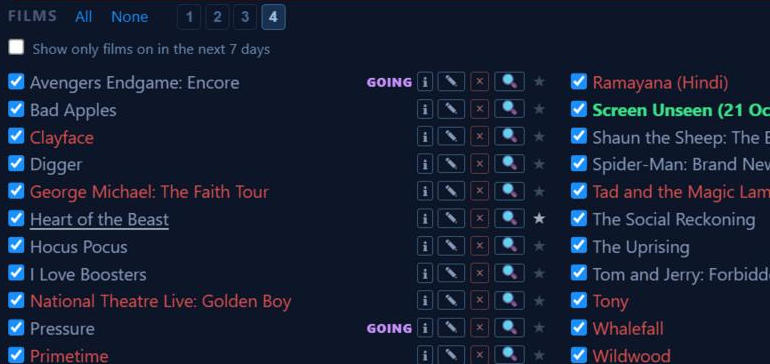
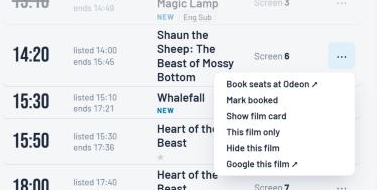
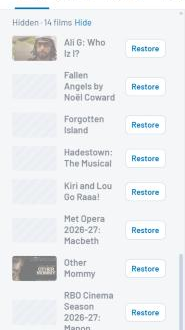
How you choose which films show in a list. Screenshots taken from the live pages at 15:05 on 18 October.
Real site · now

Nordic trial
What it means for you
- Real site: one click per film, and All / None to change everything at once.
- Nordic: two clicks per film (⋯, then Hide), no All / None, and restoring only works on the PC.
- Underneath, both change the same saved lists, so either way can come back without losing anything.
Back to the to-do page to answer L27.
S8 Day strip: drag vs wheel
The row of days across the top of Listings and Double Bills is wider than the screen. This is only about moving it along on the PC with a mouse; on phones you swipe it either way. Try both strips below.
Real site · click and drag it sideways (the mouse wheel works too)
Nordic trial · try dragging: it won't move. Only the mouse wheel (or the thin scrollbar) moves it
What it means for you
- Real site: grab the strip and slide it; a drag never picks a day by accident.
- Nordic: wheel only. While the mouse is over the strip the wheel always moves the strip, never the page, and in Firefox each notch moves only a few pixels.
Back to the to-do page to answer S8.